
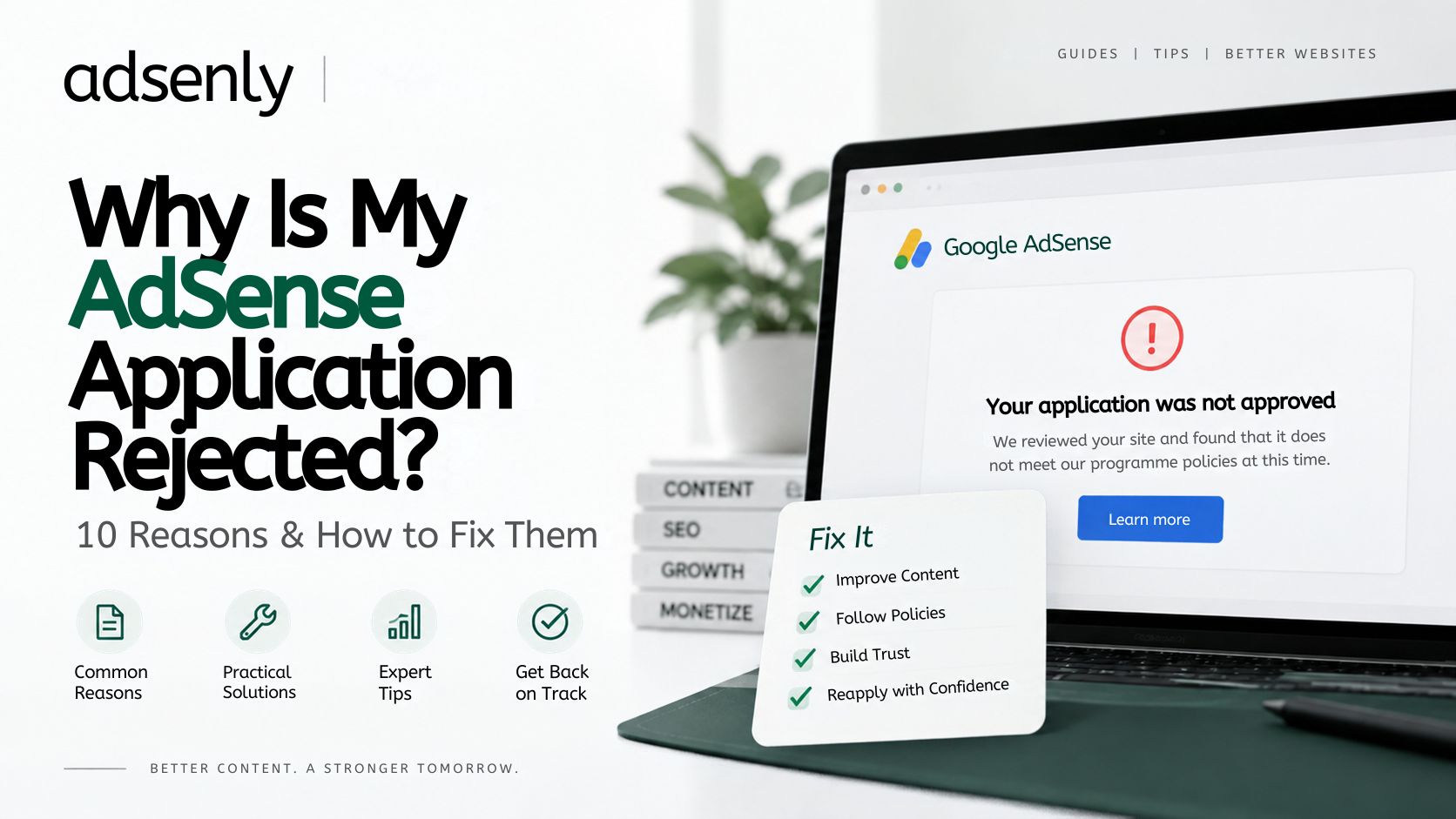
Why Is My AdSense Application Rejected? 10 Common Reasons & How to Fix Them
An AdSense rejection usually means Google found a problem with the website, its content, its setup, or its compliance with publisher policies. The solution is not always to publish more articles or submit the application again. What matters is identifying the actual weakness and fixing it.
Google's published guidance focuses on useful and original content, a functional website, clear navigation, a good user experience, and compliance with its policies. It does not specify a universal number of articles, minimum word count, or traffic threshold that guarantees approval. (Google AdSense)
Here are 10 common reasons an application may be rejected and what to do about each one.
1. Your Website Does Not Offer Enough Useful Original Content
Google expects sites using AdSense to provide unique, useful content rather than pages created primarily for search traffic or advertising. (Google AdSense)
A site can have plenty of pages and still fall short if those pages are:
- Very short without answering the question properly
- Mostly repetitive
- Rewritten from other websites
- Built around keyword variations rather than reader needs
- Missing important information
How to fix it
Review your main articles and ask whether each one provides a clear reason for someone to read it. Strengthen pages with useful explanations, examples, context, or practical instructions.
Do not add hundreds of low-value posts simply to make the site look larger.
2. The Website Is Incomplete or Still Being Built
Google needs to be able to evaluate a working website. An unfinished site with placeholder pages, incomplete categories, broken navigation, or sections that are still under construction may not be ready for review. (Google AdSense)
How to fix it
Check the site from a visitor's perspective.
Make sure the homepage, articles, category pages, navigation, contact page, and other important sections are complete. Remove placeholder text and fix pages that do not load correctly.
The goal is to present a finished website, not a work in progress.
3. Navigation Makes the Site Difficult to Use
Good content is harder to evaluate when visitors cannot move around the site easily. Google specifically identifies navigation problems, broken links, excessive redirects, and other usability issues as concerns. (Google AdSense)
How to fix it
Keep the main navigation predictable and descriptive. Visitors should be able to reach your key categories and pages without guessing where a link leads.
Test:
- Main menus
- Mobile navigation
- Category links
- Internal article links
- Footer links
- Search
- Buttons and calls to action
Remove links that lead to errors or unexpected destinations.
4. Some Content or Website Features Violate AdSense Policies
Google's publisher policies cover more than individual articles. Certain types of content, user-generated material, links, page behavior, and advertising practices can create compliance problems. (Google AdSense)
How to fix it
Compare the website against the current Google Publisher Policies before reapplying.
Pay particular attention to pages or features involving restricted content, deceptive behavior, copyrighted material, invalid activity, or other prohibited practices.
Do not rely on an old "AdSense approval checklist" from another website. Google's current documentation is the better reference because policies can change.
5. Your Articles Are Copied, Scraped, or Too Close to Existing Material
Using information from other sources is normal. Reproducing their content with minor changes is different.
Google expects publishers to offer original value and warns against scraped or copied material. (Google AdSense)
A page is particularly weak when it simply collects information from elsewhere without adding meaningful explanation or context.
How to fix it
Research the subject independently and write the article around what the reader needs to know.
Use external sources to verify facts, but add your own structure, explanations, examples, comparisons, and practical guidance. The objective is not to make copied material look different; it is to create a useful page in its own right.
6. Your Pages Are Too Thin for Their Purpose
There is no fixed word count that every AdSense article must reach. The issue is whether a page contains enough useful information to satisfy its intended purpose.
For example, a troubleshooting article may need causes, fixes, and warnings. A simple definition may not.
Google's guidance emphasizes valuable content rather than a universal article length. (Google AdSense)
How to fix it
Instead of adding words for the sake of length, look for information the reader would reasonably expect.
Add missing steps, examples, limitations, or explanations where they genuinely help. Remove repetition when it does not.
7. Google Cannot Properly Access or Evaluate the Site
An AdSense review depends on Google being able to access the submitted site.
Problems such as an incorrect site URL, inaccessible pages, connection errors, or an incomplete implementation can interfere with the review process. Google also requires the site to be live and available for evaluation. (Google AdSense)
How to fix it
Open the exact domain submitted in AdSense and test it as a normal visitor.
Check:
- HTTPS and redirects
- Server errors
- Page loading
- Public accessibility
- Important URLs
- AdSense setup code, where applicable
Also test the site on mobile rather than assuming the desktop version tells the whole story.
8. Privacy and Advertising Disclosures Are Missing or Inaccurate
AdSense involves cookies and advertising technologies, so privacy and disclosure requirements matter.
Google provides guidance on privacy policies and disclosure of its use of cookies and personalized advertising. (Google AdSense)
How to fix it
Publish a privacy policy that accurately describes the technologies and data practices used by your site.
Depending on the site, this may involve explaining analytics, cookies, advertising, contact forms, accounts, or third-party services. You should also consider privacy and consent requirements that apply to your visitors' locations.
A privacy policy alone does not guarantee approval, but it is an important part of a properly configured publishing site.
9. The Website Uses Misleading or Intrusive Elements
Google's policies prohibit deceptive navigation and other practices that can mislead users. (Google AdSense)
Problems can include:
- Links that do not match their labels
- Fake download buttons
- Unexpected redirects
- Aggressive pop-ups
- Navigation controls designed to confuse visitors
These issues can damage both usability and policy compliance.
How to fix it
Review every interactive element and ask a simple question: does the visitor get what the page or button appears to promise?
Remove misleading controls, unnecessary redirects, and intrusive elements that interfere with normal browsing.
10. You Applied Before Fixing the Underlying Problems
Sometimes a rejection is not caused by one major issue. Several smaller weaknesses can add up: thin content, incomplete pages, poor navigation, technical problems, or policy concerns.
Google recommends addressing the issues identified in the review before requesting another review. (Google AdSense)
How to fix it
Use the rejection notice as a starting point rather than submitting the same site repeatedly.
After making changes, review the website as a whole. Look for problems that may not have been mentioned explicitly but could affect the overall quality or compliance of the site.
How Many Articles Do You Need for AdSense?
Google does not publish a universal minimum number of articles required for approval. Its guidance focuses on content quality, originality, user experience, site functionality, and policy compliance. (Google AdSense)
That means there is little value in following arbitrary targets such as "publish 20 posts before applying."
A smaller site can still be well prepared if its existing pages are useful, complete, and relevant to the site's purpose.
Does AdSense Require a Minimum Word Count?
No universal minimum word count is published for individual AdSense articles.
The right length depends on the subject. A straightforward answer may need only a few hundred words, while a technical tutorial may require much more.
Write enough to solve the reader's problem and avoid padding the article just to hit a target.
Does Low Traffic Cause AdSense Rejection?
Google's published eligibility guidance does not specify a universal minimum traffic requirement for applying. The site does need to be live, accessible, and contain enough content for Google to review. (Google AdSense)
Traffic and AdSense approval are therefore separate questions. Building a useful site should come before trying to inflate visitor numbers simply for an application.
What Should You Do After an AdSense Rejection?
Start with the message in your AdSense account and identify which category of problem it points to.
Then work through the site systematically:
- Fix policy issues.
- Improve weak or unoriginal content.
- Complete unfinished pages.
- Test navigation and important links.
- Resolve technical or accessibility problems.
- Review privacy and disclosure requirements.
- Remove misleading or intrusive elements.
- Request another review only after the site has materially improved.
Google says reviews generally take a few days, although some can take two to four weeks. (Google AdSense)
Approval is also not permanent. Publishers must continue complying with Google's policies after approval. (Google AdSense)
Frequently Asked Questions
Can a new website get AdSense approval?
Yes. Google's published eligibility requirements do not state that a website must be a certain age. New sites still need to meet the relevant content, usability, technical, and policy requirements. (Google AdSense)
Should I delete my articles after an AdSense rejection?
Not necessarily. Keep pages that are useful and compliant. Consider revising or removing content that is copied, extremely thin, misleading, or otherwise problematic.
Does a privacy policy guarantee AdSense approval?
No. It addresses one part of running a compliant publishing site. Google also evaluates content, website functionality, navigation, user experience, and policy compliance.
Can I reapply immediately after rejection?
You can address the problems identified by Google and request another review through AdSense. Reapplying without making meaningful changes is unlikely to solve the underlying issue. (Google AdSense)
Conclusion
An AdSense rejection is best treated as a website-quality and compliance problem to diagnose, not as a puzzle with a fixed approval formula.
There is no published magic number of articles, words, or visitors that guarantees approval. A stronger approach is to build a complete site with useful original content, straightforward navigation, reliable technical performance, accurate privacy information, and compliance with Google's current publisher policies.
Once those fundamentals are in place, the application has a much clearer foundation for review.
Written by: Vishu Soni
Published: September 18, 2026
Updated: September 19, 2026
Sources:
- Google AdSense — Eligibility requirements for AdSense
- Google AdSense — Your AdSense account wasn't approved
- Google AdSense — What to do when your site is not ready to show ads
- Google AdSense — Make sure your site's pages are ready for AdSense
- Google AdSense — AdSense Program policies
- Google AdSense — Required content